

AI can help a local business research ideas, plan content, analyse information and speed up repetitive marketing tasks. But not every marketing job needs to begin with artificial intelligence.
Sometimes the fastest route is AI-powered assistance. Sometimes it is a ready-made Canva template that already gives you the visual structure you need. The useful question is not whether AI or templates are better overall; it is which approach removes the most work from the task in front of you.
Where can AI help a local business with marketing?
AI is particularly useful when the job involves generating, analysing, organising or adapting information. Common uses include brainstorming campaign ideas, drafting content, creating marketing plans, identifying themes in customer feedback and helping businesses maintain a more regular content workflow.
The strongest use cases start with a clear business objective rather than using AI simply because the technology is available.
1. Use AI for ideas and planning
AI can help turn a broad goal such as “promote our spring offer” into campaign themes, content ideas, suggested messages and a practical publishing plan. A human still needs to check the result against the real offer, audience and brand.
2. Use AI to accelerate first drafts
For social captions, article outlines, email ideas and promotional wording, AI can reduce blank-page time. Treat the output as a starting point: verify facts, remove generic language and make the final message sound like the business.
3. Use ready-made templates when the visual job is already known
If you already know that you need a service promotion, testimonial graphic, offer post or seasonal campaign, generating a new visual concept may be unnecessary. An editable template can provide the structure immediately.
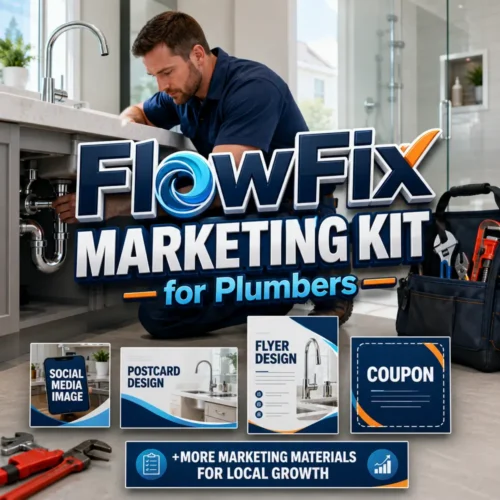
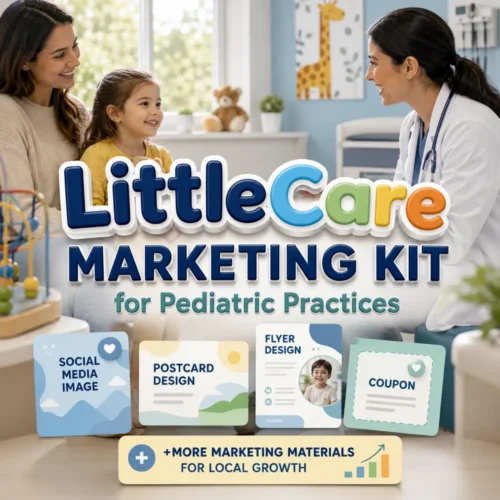
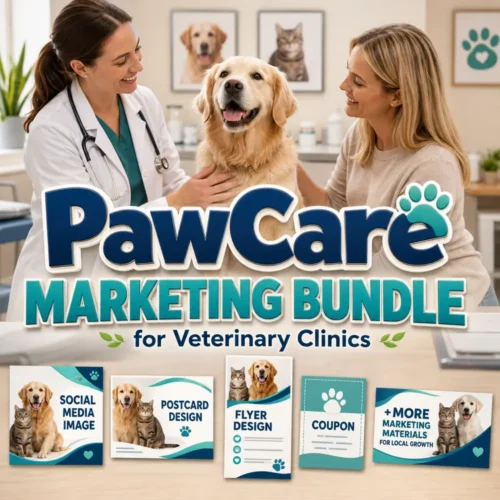
Ascensiona Templates offers niche-specific packs such as the FitPulse Marketing Bundle, SmileBridge Marketing Bundle and RoofRise Marketing Bundle.
4. Combine AI thinking with template execution
A practical workflow is to use AI to help decide what to say, then use a ready-made template to package the message visually. For example: identify a customer question, draft a concise answer, choose a suitable social template, customise the colours and imagery, then publish.
This keeps AI focused on reasoning and language while the template handles repeatable design work.
5. Keep humans responsible for accuracy and judgement
AI-generated material can be wrong, outdated or inappropriate for a specific business. Review claims, prices, dates, legal or professional statements and anything that could materially affect a customer decision.
The same principle applies to templates: placeholder wording and images should always be replaced with accurate business information before publication.
Do local businesses need AI to use Ascensiona Templates?
No. The template store is specifically useful when you want ready-made marketing designs that you can edit directly in Canva. You can use the templates without relying on AI to create the design from scratch.
If you prefer AI-powered help with the wider marketing process, the main Ascensiona platform provides a separate route.
Prefer ready-made marketing designs?
Choose a template pack for your industry or campaign, edit it in Canva and start producing your marketing without generating every visual from scratch.
Want AI-powered marketing support instead?
For AI-assisted local visibility, reviews, content, SEO and marketing planning, explore Ascensiona. The two approaches can also work together: use Ascensiona for strategy and assistance, then use Ascensiona Templates when you want ready-made editable creative.








0 Comments