

Ready-made Canva templates are designed to save time, but they should still look and sound like your business. The goal is not to publish the template unchanged. It is to use the existing layout as a strong starting point and customise the details customers use to recognise you.
What should you change first in a Canva marketing template?
Start with the parts that define the business: colours, logo, photographs, service wording, offer details, contact information and call to action.
1. Apply your brand colours
Replace placeholder colours with a small, consistent palette that matches your existing brand. You do not need to change every colour in every design; focus on the main backgrounds, headings, buttons and accent elements.
2. Add your logo carefully
Use the logo where it helps recognition, but do not let it dominate every graphic. Keep its size and position reasonably consistent across related posts.
3. Replace stock or placeholder images
Use photographs that reflect the real business where possible: your team, location, work, products or customers where appropriate and permitted. Relevant images usually make a template feel more authentic than generic stock photography.
4. Rewrite the headline for the real offer
Templates provide structure, not final copy. Replace generic wording with a clear service, benefit or promotion that reflects what the business is actually offering.
5. Check the call to action
Make sure the final action matches the campaign. Use a specific instruction such as book now, request a quote, call today, visit the website or send an enquiry.
6. Keep important information readable on mobile
Social graphics are often viewed on small screens. Avoid shrinking too much text into the design. If the message needs a paragraph to explain it, keep the graphic simple and place the detail in the caption or destination page.
7. Duplicate strong layouts instead of starting again
Once you have customised a template successfully, duplicate it for future campaigns. Change the image, headline or offer while preserving the visual system.
This approach supports the consistency principles in Social Media Brand Building for Local Businesses.
Should every template look exactly the same?
No. Consistency means the designs feel related, not identical. Keep the core brand elements stable while varying layouts, imagery and content types so the marketing stays interesting.
What if you do not want to use AI?
You do not need AI to customise Ascensiona Templates. Choose a ready-made pack, open the editable design in Canva and change the content directly. If you do want AI-powered help with the wider marketing process, that is available separately through Ascensiona.
Which packs can you customise?
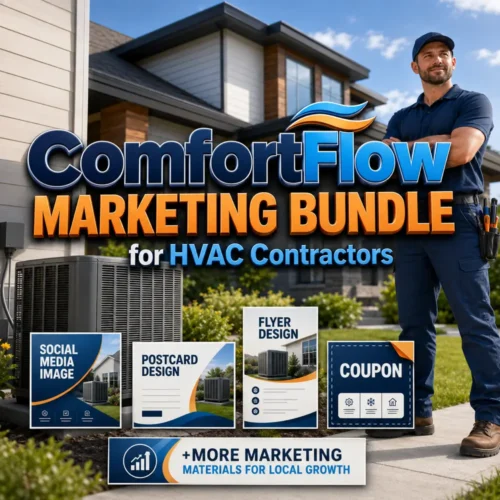
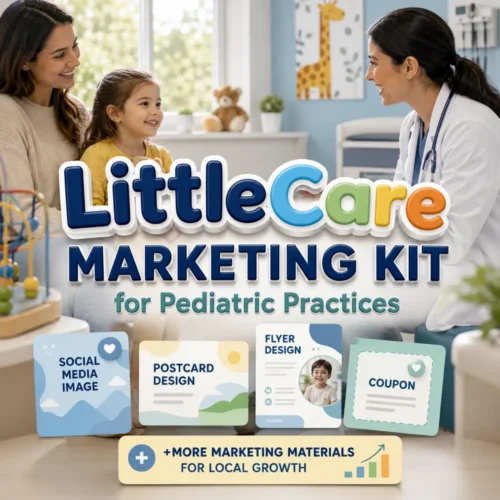
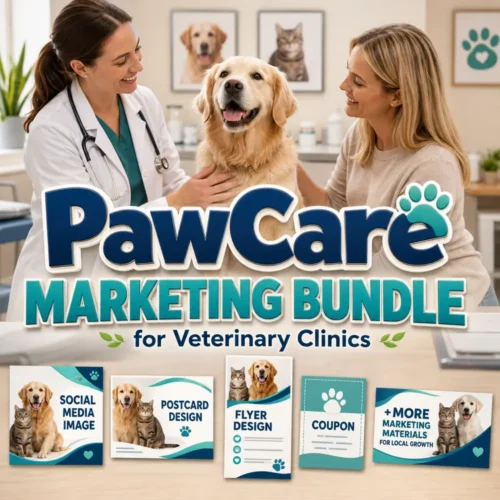
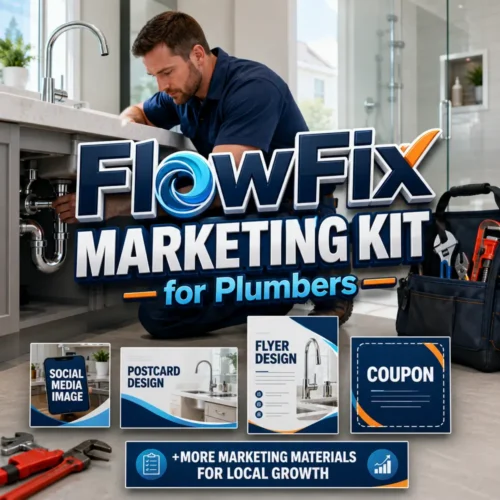
Examples include the ListWise Marketing Kit for Real Estate Agents, FitPulse Marketing Bundle for Gyms and Fitness Centers and TableRush Marketing Kit for Restaurants.
Start with a ready-made design
Choose a marketing pack, customise the colours, images and message in Canva, and turn it into a system you can reuse.
For AI-powered local marketing support beyond the templates, explore Ascensiona.







0 Comments